
Gemini Prompts: Real Examples You Can Run in One Click
Browse Gemini prompts with real examples, ready to run on Omni's Gemini-family models. Copy a prompt, swap the placeholders, and generate in one click.


![[Product type]: [perfume / sunscreen / sports drink / cushion compact / other]
[](/cdn-cgi/image/format=auto,width=640,quality=72/https://cdn.omni-gemini.org/__shared__/showcase/image/bento/ben-213-product-stage-campaign/0-eba506a49e36c2e9.webp)


![[Magic Pen Street-Magic Vlog · 15 seconds · vertical 9:16]
[Style] Live-Action](/cdn-cgi/image/format=auto,width=640,quality=72/https://cdn.omni-gemini.org/__shared__/showcase/image/x/2077032531636125758/0-72999981f6ce5257.webp)
How the Omni Gemini prompts library works
What is the Gemini prompts library
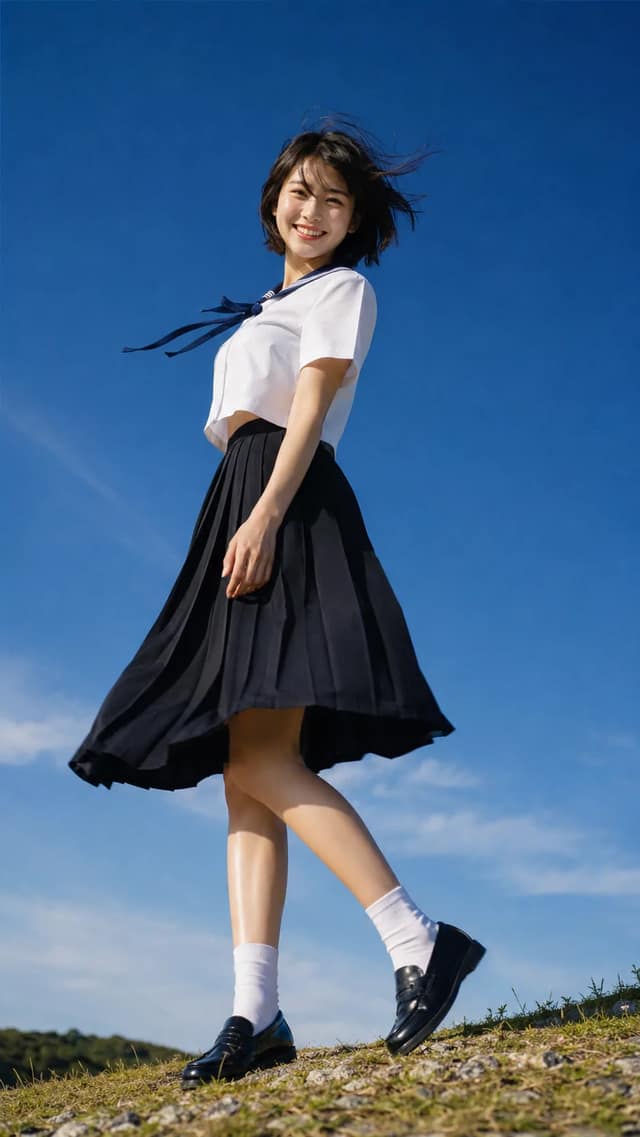
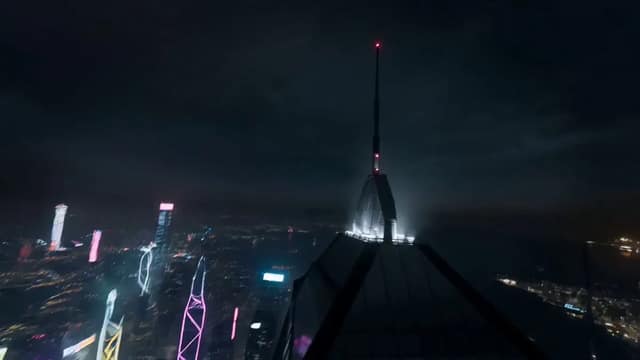
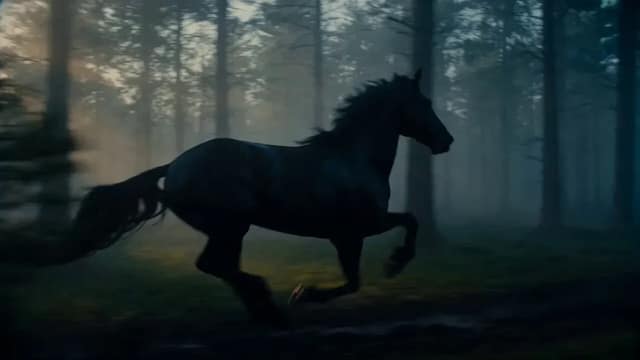
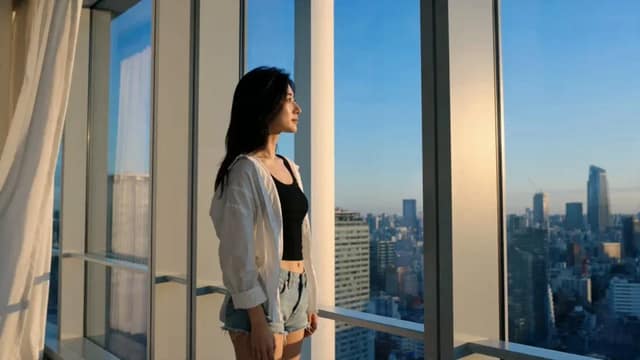
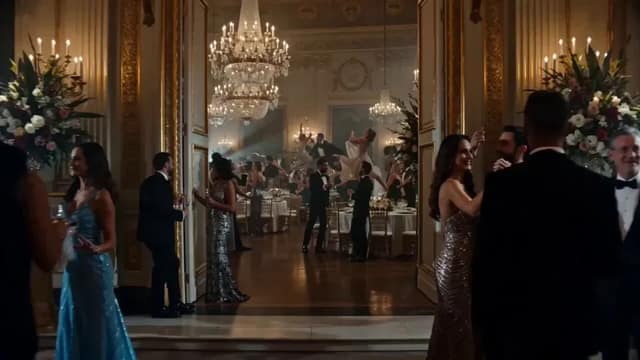
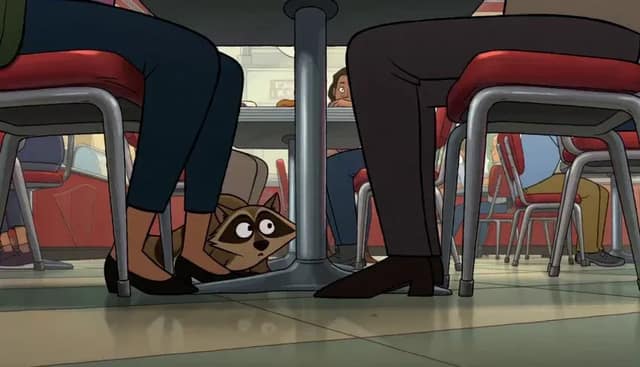
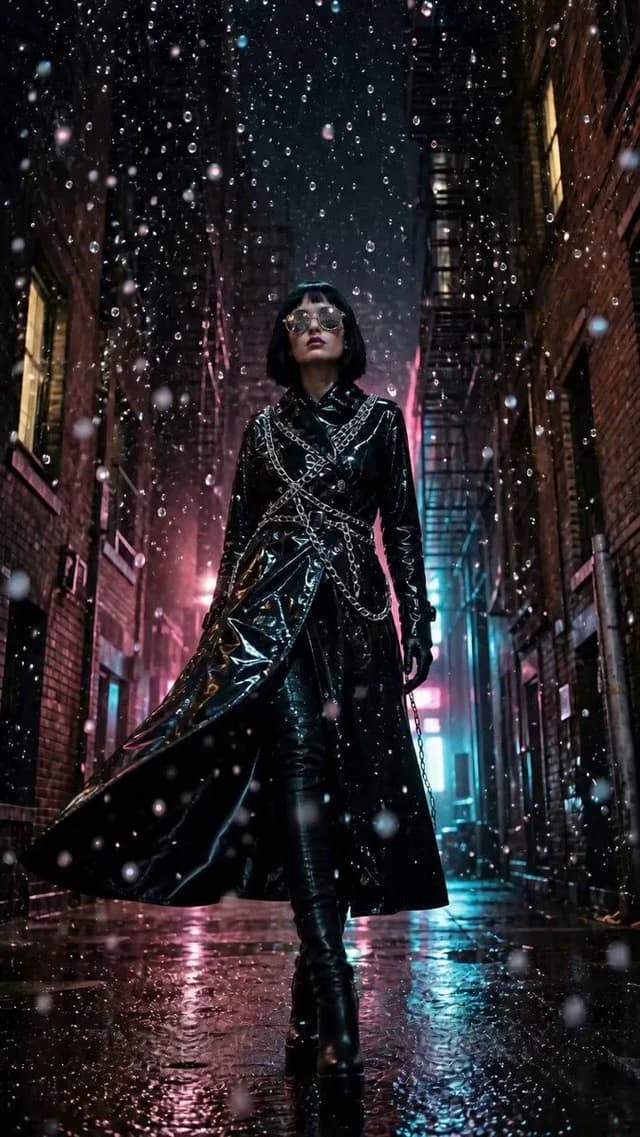
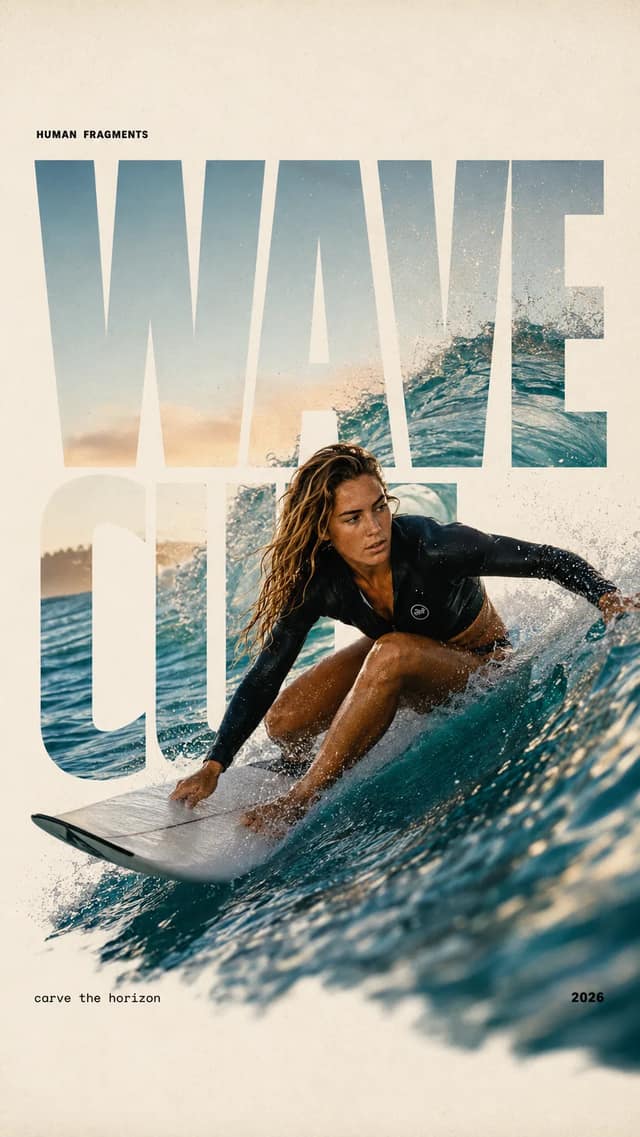
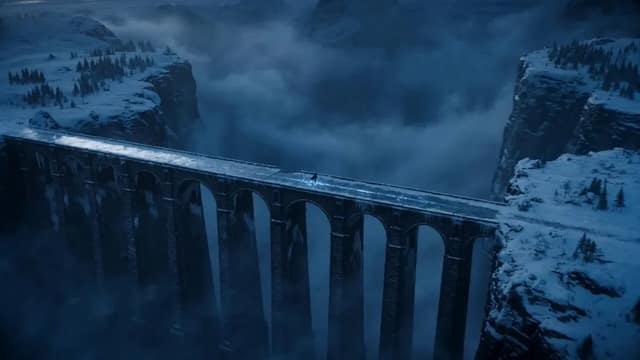
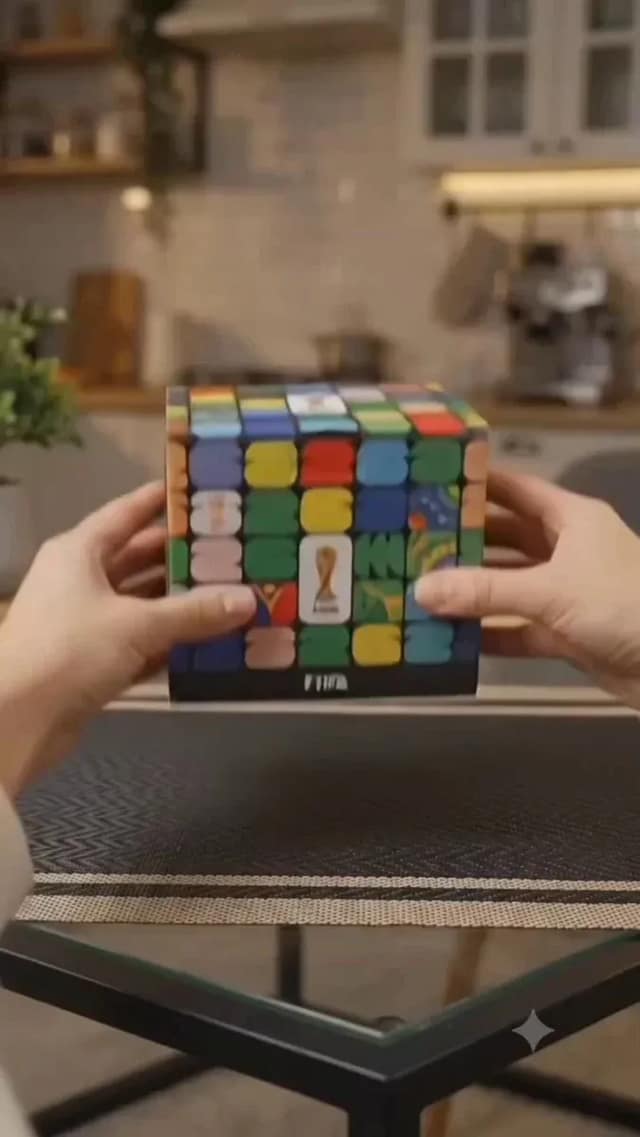
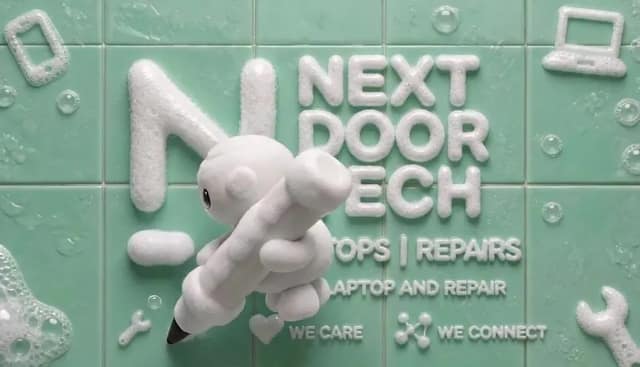
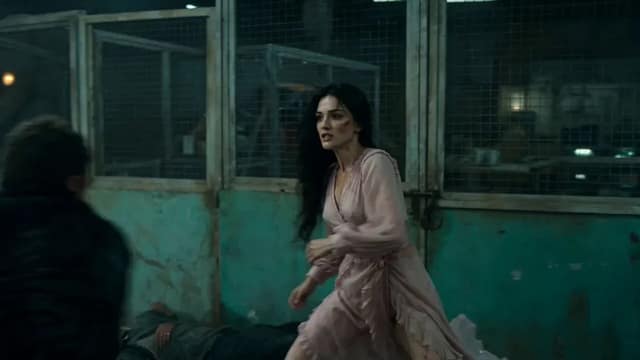
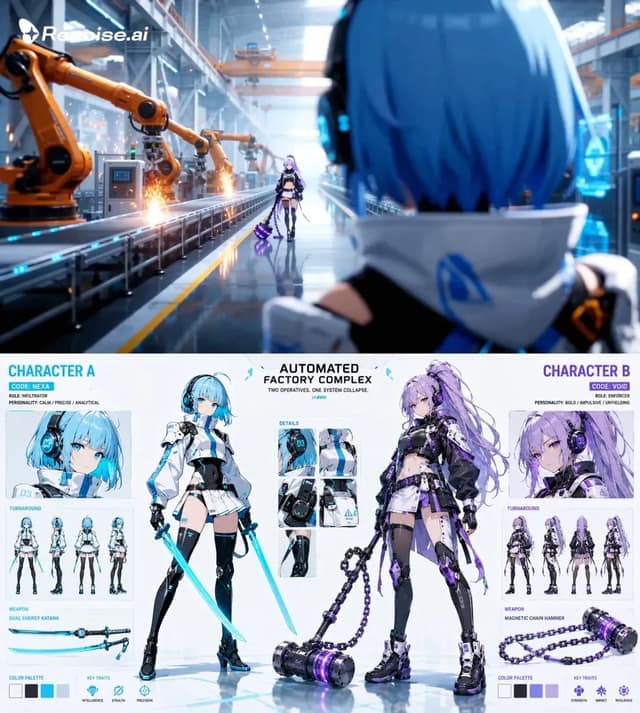
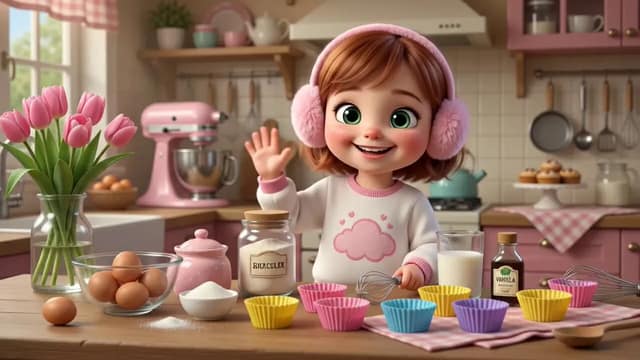
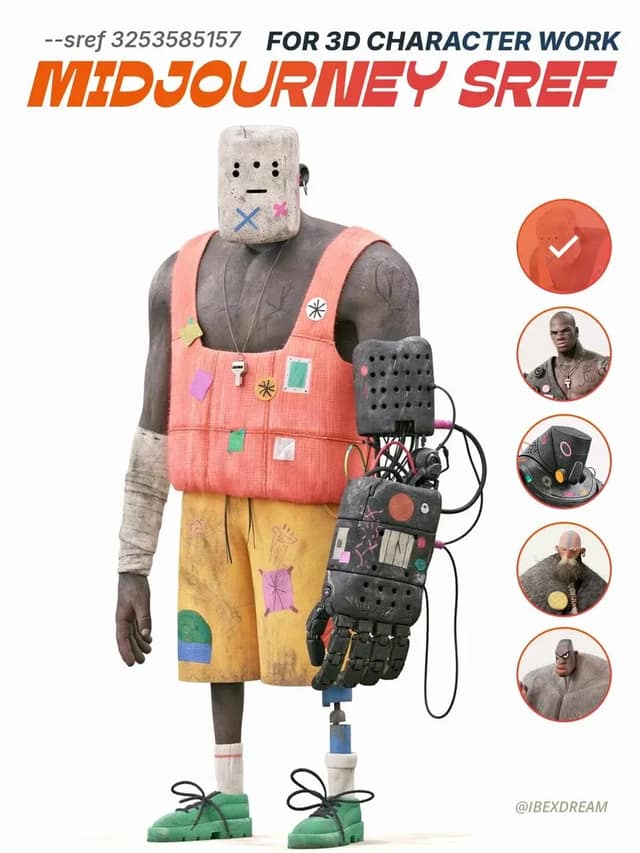
It is a curated set of Gemini prompts that have already produced studio-quality images, each shown with the result it generated, the model that ran it, and its source. Every Gemini prompt here is a working example — not a mock-up — that you can load into Omni and reproduce on its Gemini-family models. Browse by model or trending order to find one you can run immediately.
How to use these Gemini prompts
Open a card to read the full prompt, copy it, hit Use this prompt to load it into Omni with its original settings, or Use as reference to start from the source image. Brackets like [SUBJECT] mark placeholders — drop in your own subject and keep the structure, framing, and lighting that made the original work.
Gemini prompts across Omni's image and video models
Omni runs a Gemini-centered lineup that spans image and motion — from the Gemini image models behind these examples to video engines like Veo. A Gemini prompt is portable text, so you can start from a still it generated and carry the same subject and style into a downstream render. Each example names the model that made it, so you know where to begin.
What you can generate from a Gemini prompt
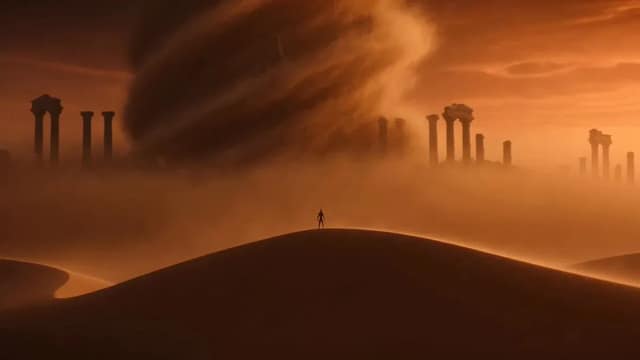
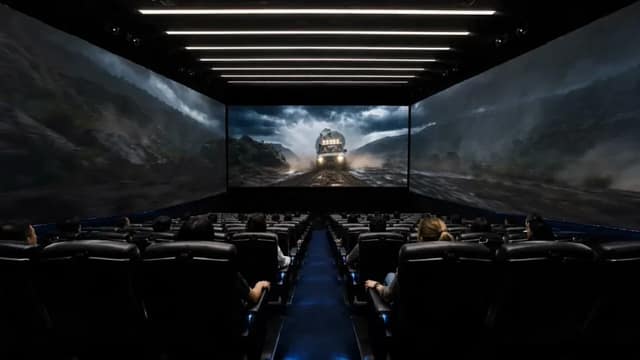
These Gemini prompts cover photoreal portraits, product shots, brand mockups, illustrated characters, isometric scenes, and architectural renders — each produced on a model Omni runs today. Pick the result that matches your idea, swap the placeholders, and the first generation usually lands in seconds.
Gemini prompts for product and brand visuals
Sellers and brand teams use these Gemini prompts to turn one reference into clean packshots and lifestyle scenes. Swap the [PRODUCT] and [BACKGROUND] placeholders, run it on Omni, and get a consistent set of on-brand images without a photo shoot.
Gemini prompts for characters and portraits
Artists pull character-focused Gemini prompts to hold a face, outfit, and lighting steady across a series. Use a portrait prompt as the scaffold, change the subject placeholders, and keep the proven composition while you explore variations.
Gemini prompts for social and marketing content
Creators grab Gemini prompts for thumbnails, ad creative, and campaign mockups under deadline. Start from a prompt that already produced the look, substitute your own brand and message, and generate a batch in one click.
Are these Gemini prompts free?
Browsing the library, viewing every result, and copying any Gemini prompt is free with no account. Running a prompt through Omni's generator follows the site's normal plans.
Which models do these Gemini prompts run on?
Each Gemini prompt is plain text and runs on any model in Omni's picker. The example lists the model that generated it, and Use this prompt reproduces that result most faithfully — though you can switch to another Gemini-family model in a click.
How do the bracketed placeholders work?
Anything in square brackets like [SUBJECT] or [SETTING] is a slot you fill before generating. You keep the structure and lighting of the original Gemini prompt and change only the part that makes the image yours.
How often are new Gemini prompts added?
New Gemini prompts are added as creators share results worth reproducing, and the trending sort surfaces the ones people actually run. Check back regularly for the freshest examples.
What makes a good Gemini prompt?
A strong Gemini prompt is specific about subject, composition, lighting, and style, and it ships with a real generated image so you can judge the result before you spend a generation. Every prompt here is a working example with source attribution and the model that produced it.